 Vembre
 Apps for the files that matter.
PicVerto gets your photos and PDFs ready to upload. Cragmount opens encrypted volumes, archives and your own servers as folders. Both process your files on your phone.
PicVerto
Passport & ID photos, upload-ready files, PDF paperwork
Make passport and ID photos at home, meet a form’s file rules, and handle PDF paperwork without a printer, with every rule checked on your phone before you submit.
- badge
Passport & ID photos
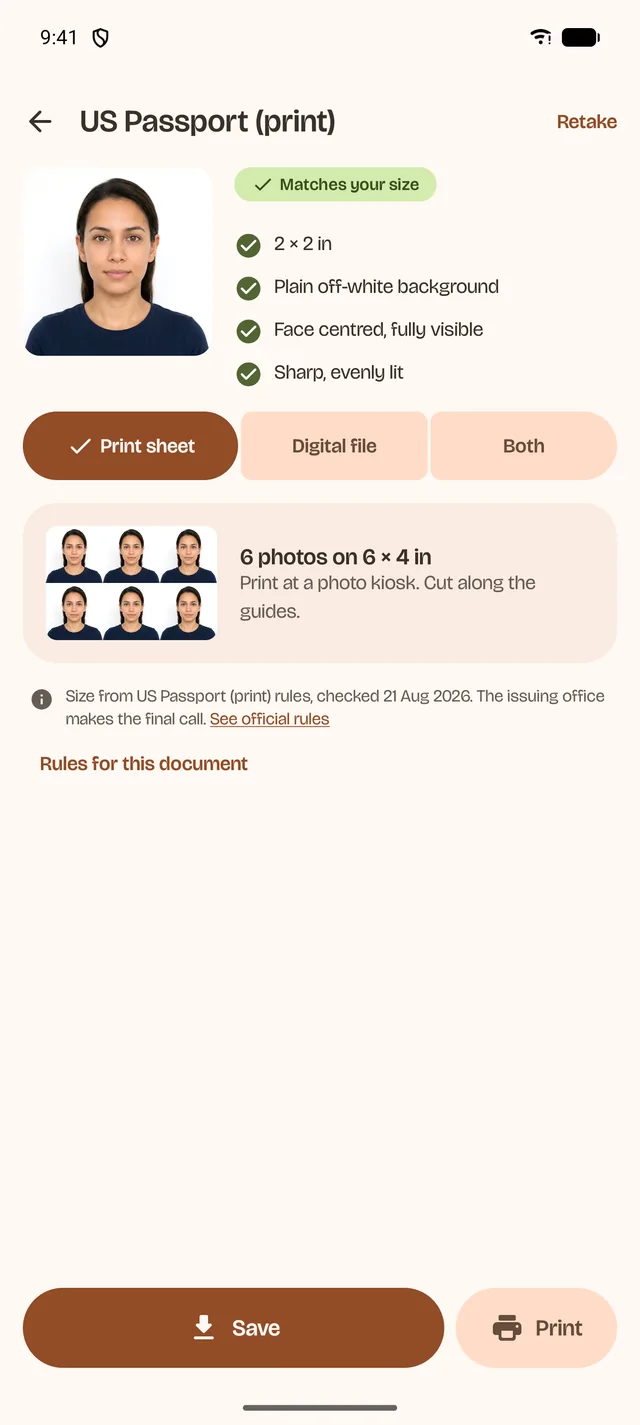
A print sheet for a photo kiosk and a digital file at your document’s size, for US, UK, India, China, Singapore and Saudi documents, or a custom size.
- task_alt
Meet the upload rules
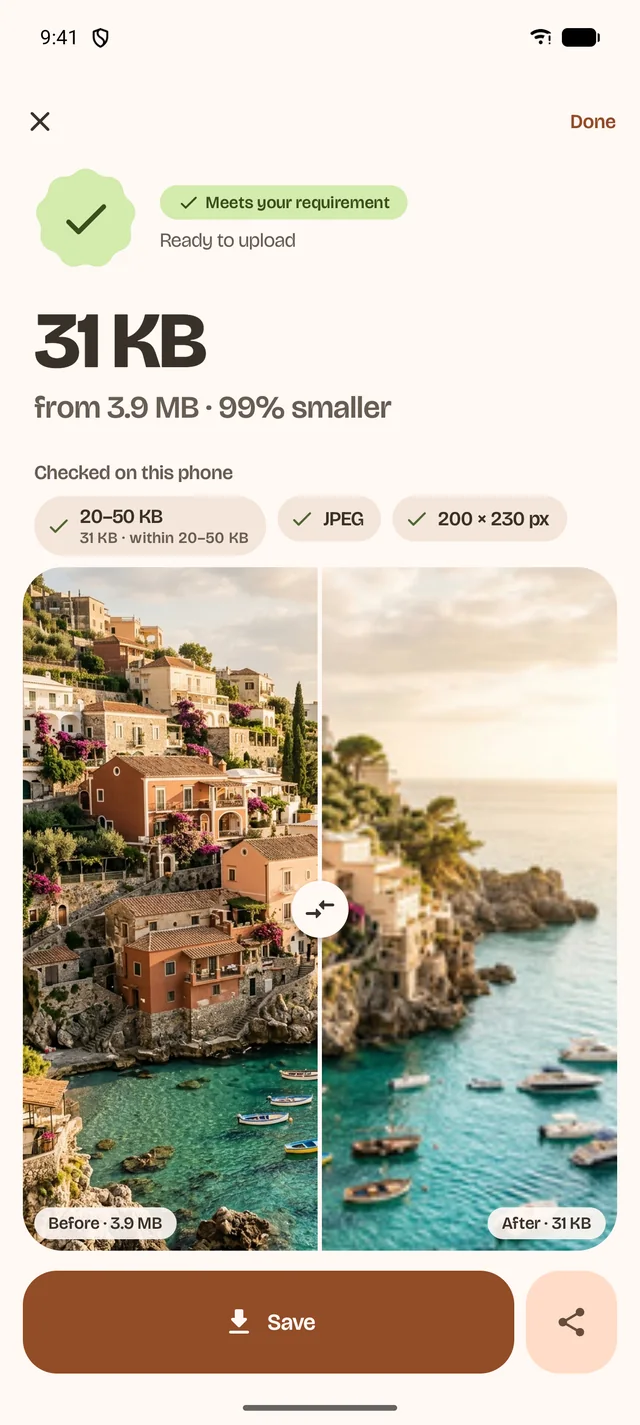
Type the form’s KB range, pixels, shape, DPI and format. Every result shows a tick for each rule.
- draw
PDF paperwork
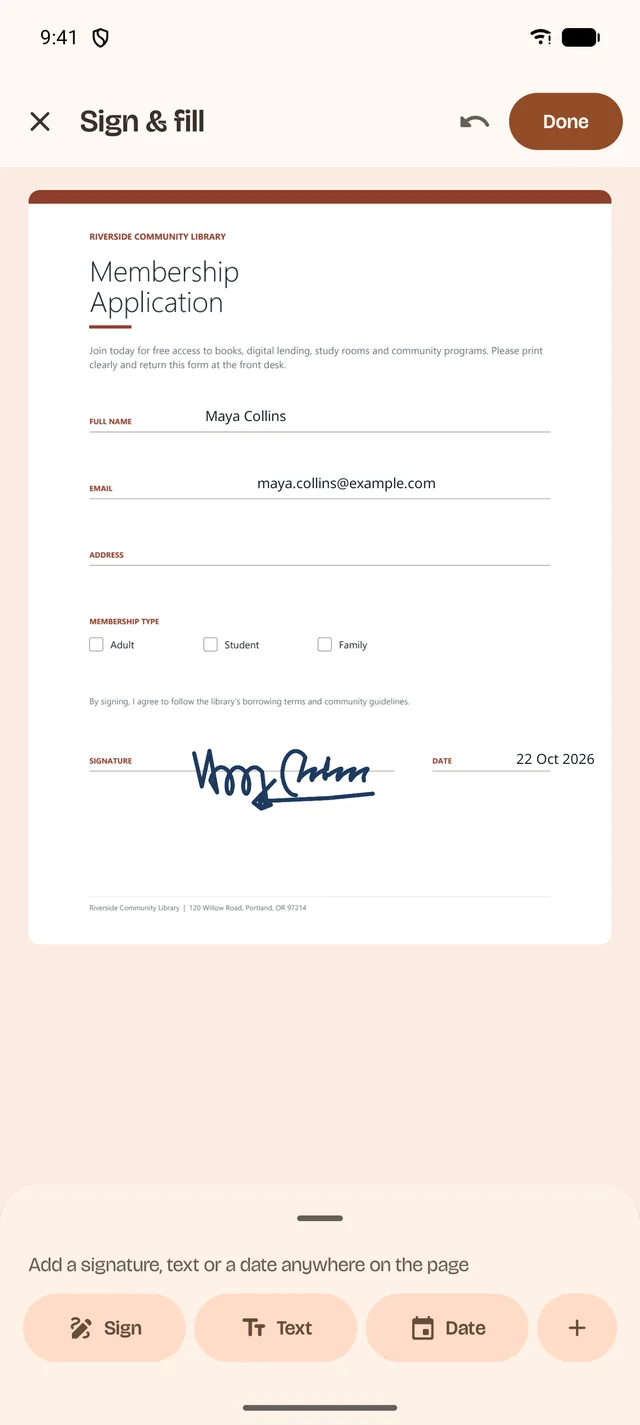
Sign and fill forms, fix text on the page, and combine pages into one PDF under the size limit.
Cragmount
Encrypted volumes, archives and your servers, as folders
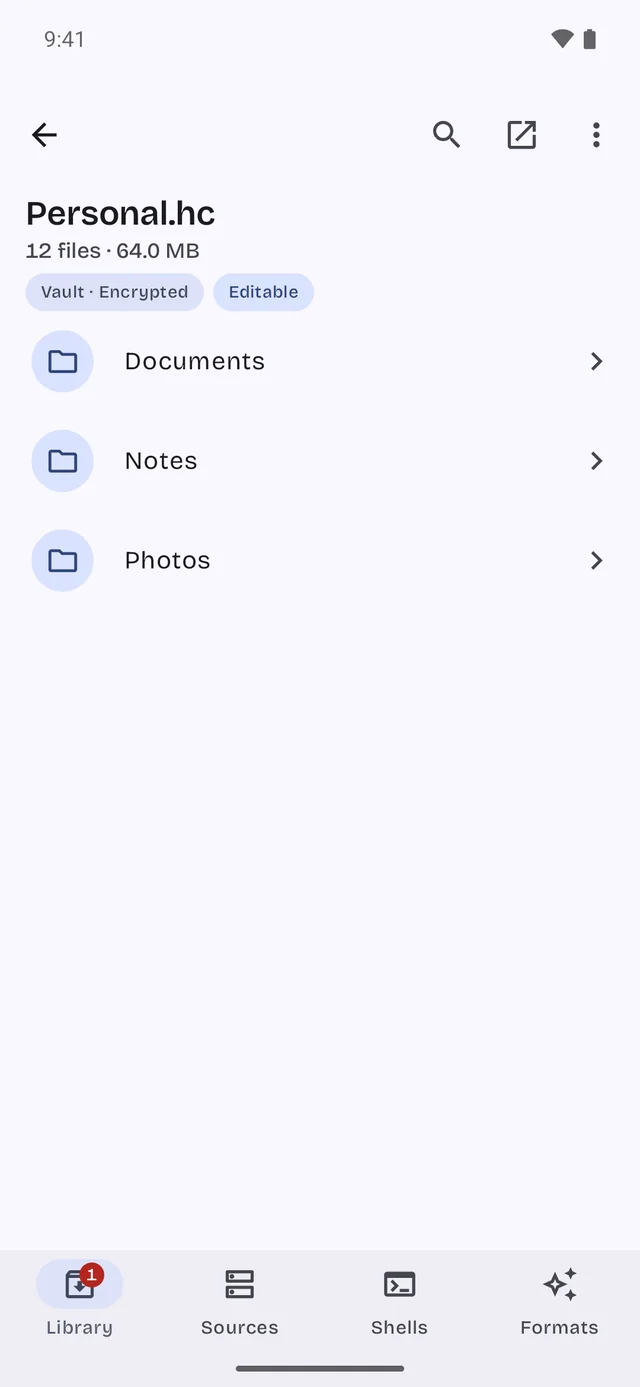
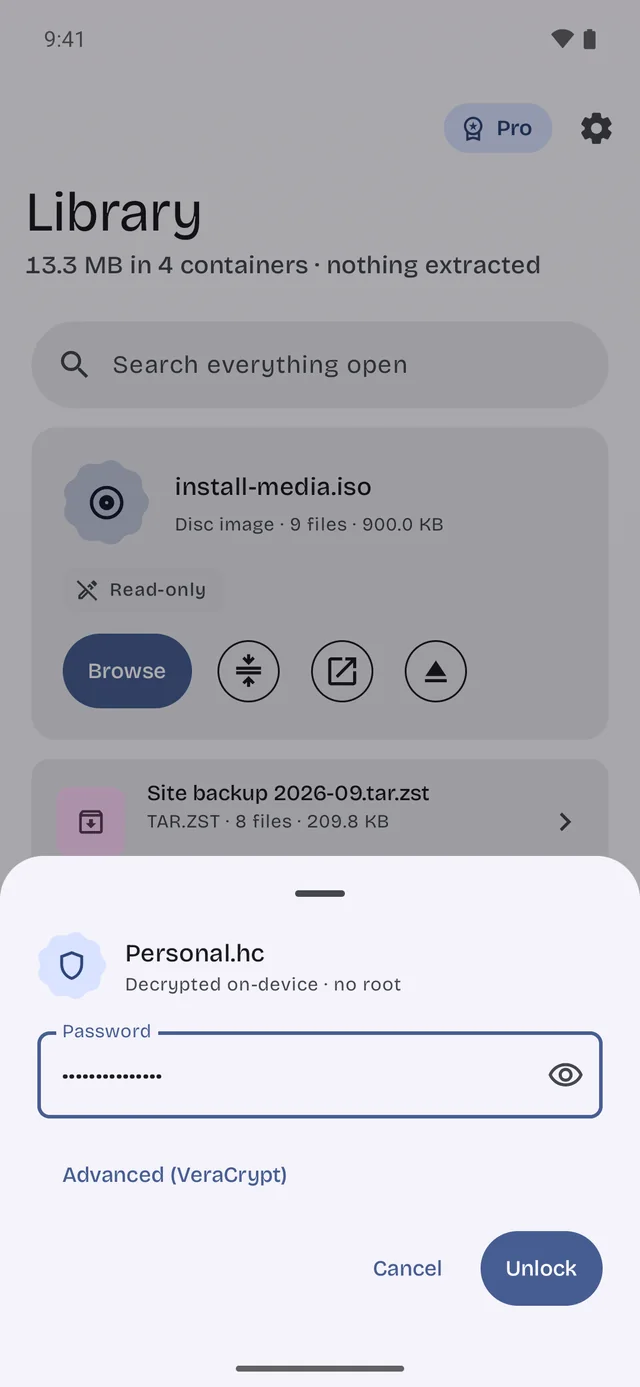
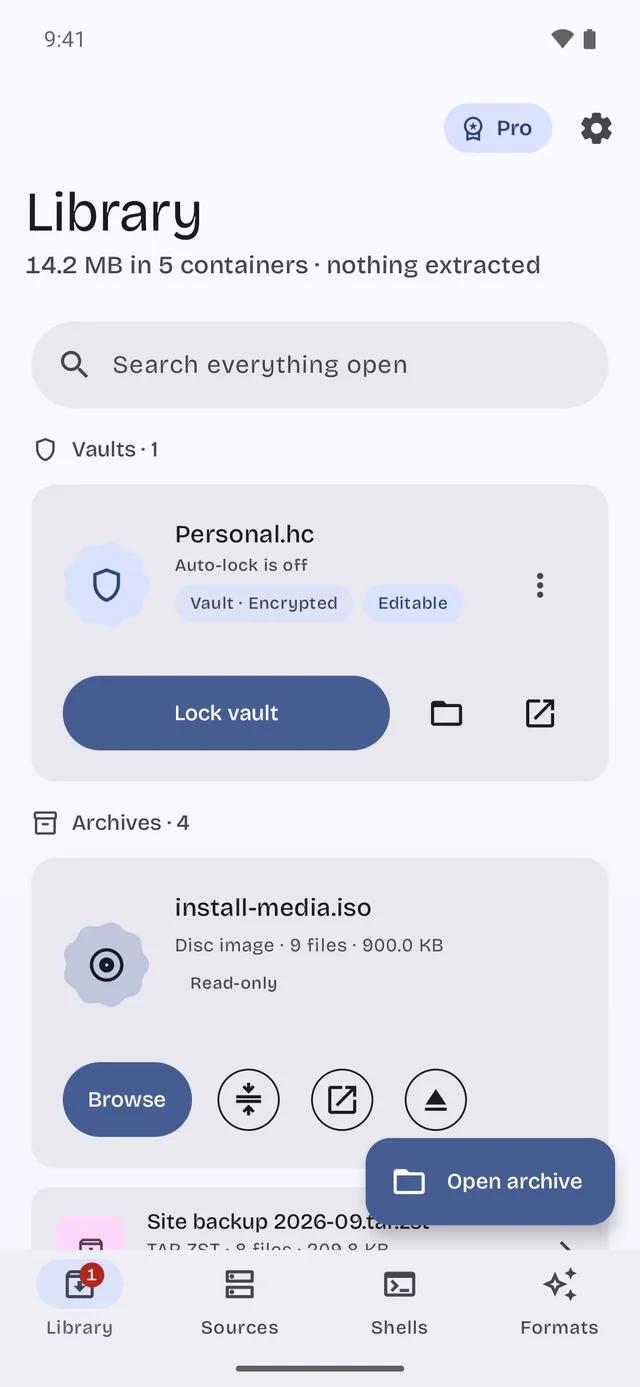
Cragmount opens encrypted volumes, archives and disk images as folders, on this device or on your own servers. Files are read in place, without extracting a copy first.
- lock_open
Unlock
VeraCrypt, TrueCrypt and LUKS2 volumes open as folders, decrypted on the device. Password, PIM and keyfiles.
- folder_zip
Open without extracting
ZIP, 7z, RAR, TAR, CBZ, ISO 9660 and IMG. Other apps can open the files inside from the system file picker.
- terminal
Your servers and a shell
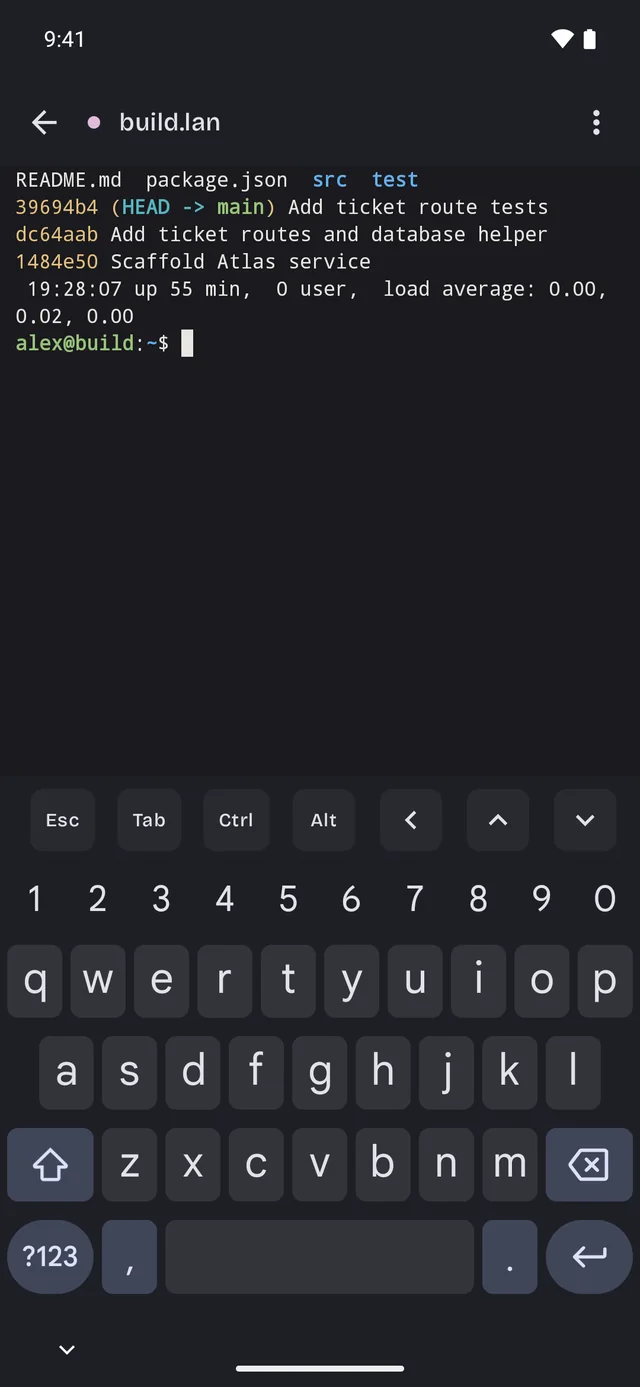
SMB, SFTP and WebDAV shares as folders, and an SSH terminal for the same servers, with port forwarding and keys made on the device.
What both apps hold to
We never see your files
Photos, documents, archives and their names are processed on your phone. They leave your phone when you share, save or send them.
No account
Install, open, work. There is no sign-up between you and the thing you came to do.
No ads in the app
A clean screen for the job, and ad measurement only if you allow it.